
Desk Plants That Purify Air
Air-purifying plants effectively remove toxins and pollutants from the environment through phytoremediation, absorbing harmful VOCs like benzene and formaldehyde commonly found in household products. Notably examined in NASA's Clean Air Study, these plants are ideal for enhancing indoor air quality. Top desk plants for cleaner air include spider plants, snake plants, peace lilies, and pothos, known for their resilient and efficient air-filtering properties. Caring for these plants involves ensuring proper light, preventing overwatering, and providing necessary nutrients. Low-light desk plants like the ZZ and cast iron plants thrive in office environments, while pet-friendly options such as spider plants and Boston ferns offer safe, aesthetic choices for homes with animals. Incorporating plants in workspaces not only purifies air but also reduces stress and promotes well-being.

Using Hr Software For Remote Teams
HR software is crucial in managing remote teams, streamlining operations like onboarding, payroll, and performance management, while providing analytics for better decision-making. It addresses remote work challenges such as maintaining company culture and compliance. Key features to look for include cloud-based access, data security, user-friendly interfaces, workflow automation, and integration with existing tools. Effective integration with communication and project management tools enhances productivity. Best practices for implementing HR software involve aligning it with organizational goals, providing training, and ensuring continuous improvement. Future trends include AI and VR integration, enhanced security, and modular solutions to adapt to evolving remote work needs.

Stylus Pens For Creative Remote Work
Stylus pens are becoming essential tools in remote work, offering precision and ease of use on touch devices. They support various tasks, from note-taking to graphic design, and integrate with multiple apps to boost productivity and creativity. Important features to consider when choosing a stylus pen include pressure sensitivity, palm rejection, device compatibility, battery life, and customizable buttons. Comparing different stylus pens reveals options like Wacom pens, Apple Pencil, Samsung's S Pen, and budget-friendly choices from brands like Adonit and Lenovo. Integrating a stylus pen into your workflow can enhance productivity, support eco-friendly practices, and streamline communication. Proper stylus maintenance involves regular cleaning, nib replacement, safe storage, and keeping software up-to-date to ensure longevity.

Productivity Software For Home Office Environments
With remote work on the rise, productivity software has become essential in home offices for efficient task management, time tracking, and collaboration. Key features to look for include seamless integration, user-friendly interfaces, and robust security. Integrating tools into your workflow requires careful planning to enhance organization and maximize efficiency. Popular software options like Trello, Asana, and Slack each offer unique strengths. Selecting the right tool involves assessing needs, exploring trials, and considering scalability. Prioritizing effective solutions ensures increased productivity and streamlined workflows in a home office setting.

Mobile Learning And Education Apps
Mobile learning is increasingly integral to modern education, driven by widespread smartphone and tablet access, allowing flexible, geographically unrestricted learning. It personalizes education with tailored content and interactive apps, fostering active learning and collaboration. Effective education apps prioritize interactivity, user-friendly interfaces, personalized learning paths, multimedia content, and offline access. Mobile learning benefits students by offering flexible, self-directed, and gamified education that prepares them for the digital world. However, challenges exist, including aligning with diverse educational standards, accessibility, and data privacy concerns. Future trends will see mobile learning transformed by AI, machine learning, virtual and augmented reality, enhancing adaptive and immersive educational experiences.
Best Wireless Keyboards For Productivity
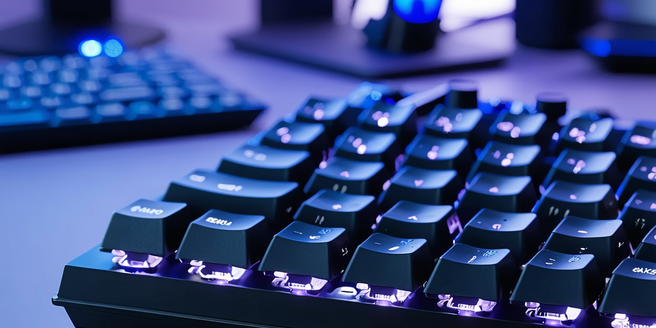
When choosing a wireless keyboard, consider factors such as key switch types, customizable keys, connectivity options, battery life, ergonomic design, and build quality. Popular models for office productivity include the Logitech MX Keys, Apple Magic Keyboard, and Microsoft Surface Keyboard. Ergonomic features like adjustable tilt angles, wrist rests, and split key layouts can enhance typing comfort. Battery life varies, with some keyboards offering long-lasting use through energy-efficient technologies. Advanced connectivity options, such as multi-device pairing and dual connectivity, provide versatility across devices. Budget-friendly options, like the Logitech K380, offer great value without compromising quality. Prioritize these aspects to improve comfort, productivity, and ease of use.

Elderly Care With Smart Home Devices
Smart home devices are transforming elderly care by enhancing independence and safety for seniors. Technologies such as smart doorbells, digital assistants, and remote health monitoring systems allow caregivers to monitor seniors' well-being effectively. These devices can detect unusual activities, like falls, and send alerts to caregivers, creating a supportive environment tailored to seniors' unique needs. Smart home technology also improves communication between seniors and their families, reducing isolation. Key technologies for senior safety include motion-sensor lighting, smart smoke detectors, wearable devices for health monitoring, and medication management systems. These tools enhance safety while enabling seniors to maintain independence. Smart home automation also manages household tasks, improving daily comfort and reducing caregiver burden. However, challenges like privacy concerns, cost, and technology adoption need addressing. Future trends include AI-driven personalization, intuitive interfaces, and interconnected ecosystems to improve seniors’ quality of life and independence further.
Balancing Home Life And Remote Work
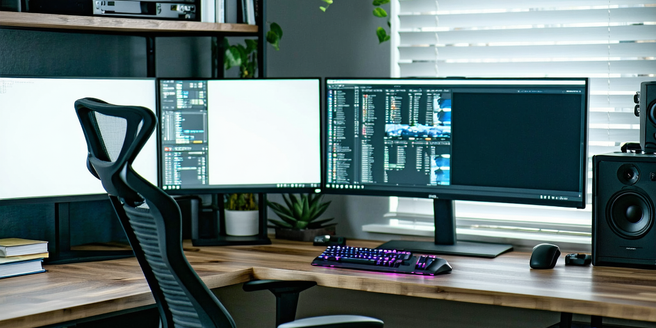
Enhance your remote work experience with these essential tips for success. Create a dedicated workspace at home to boost focus and productivity, and establish clear boundaries between work and family to maintain a healthy work-life balance. Implement effective time management strategies, such as using digital planners and the Pomodoro Technique, to optimize efficiency. Leverage technology tools like Trello, Slack, and Zoom for improved collaboration and productivity. Prioritize personal well-being by incorporating regular physical activities, maintaining a balanced diet, and ensuring social interactions. By following these guidelines, remote workers can achieve greater productivity and satisfaction while fostering a harmonious balance between professional and personal life.
Ai And Machine Learning Tools
AI and Machine Learning are revolutionizing technology by enabling machines to learn from data and make autonomous decisions. AI systems simulate human intelligence, while Machine Learning, a subset of AI, uses algorithms to enhance performance over time. These technologies are integrated into various industries such as healthcare and finance, improving productivity and operational efficiency. They offer insights through data analysis, fostering innovation and personalized customer experiences. Popular tools like TensorFlow and IBM Watson are transforming sectors by providing scalable solutions and AI-driven insights. Machine Learning enhances AI by allowing models to learn from large datasets, improving tasks like predictive analytics. Future trends include explainable AI, ethical AI decision-making, increased integration with IoT, and the rise of edge AI for real-time processing. As AI technology advances, addressing ethical concerns such as bias, transparency, and privacy is crucial to ensure fair and accountable systems.
Top Educational Apps For Continuous Learning
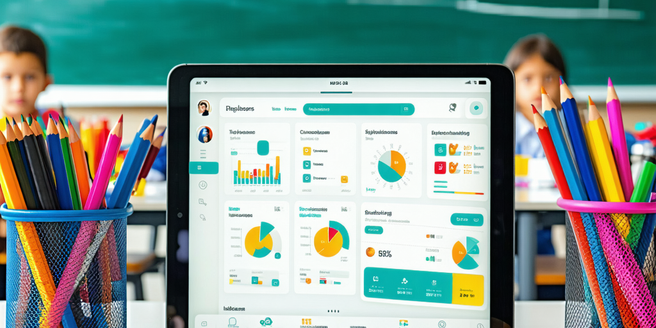
Educational apps have transformed learning by offering diverse, personalized educational experiences accessible anytime, anywhere. Catering to all ages, they support language acquisition, skill development, professional growth, and new hobbies. These apps incorporate interactive elements such as quizzes and gamification to enhance engagement and accommodate various learning styles. They also track progress and allow for personalized goals, often at low or no cost, democratizing education. Selecting the right app involves evaluating content quality, user interface, adaptability, device compatibility, and cost-effectiveness. Language apps like Duolingo and Rosetta Stone offer structured lessons with engaging features, while science and math apps such as Khan Academy and Photomath simplify complex concepts through interactive tools. These apps support lifelong learning, personal growth, and intellectual development.
Smart Thermostat Efficiency
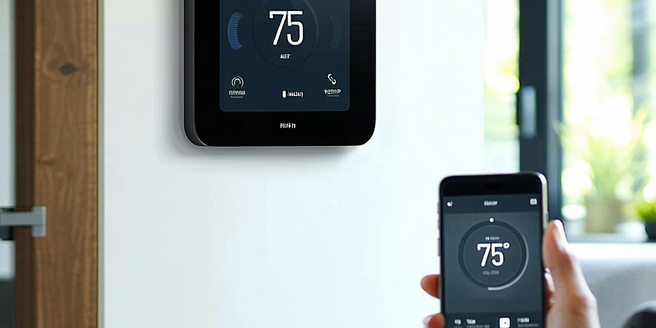
Smart thermostats optimize your home's heating and cooling systems for energy efficiency by learning your schedule and preferences. They automatically adjust temperatures, reducing unnecessary usage, and integrate with smartphones and smart home systems to detect when you're home or away. Features like geofencing and energy reports help users minimize utility bills by tracking consumption. Modern smart thermostats offer remote control via mobile apps, voice integration, and learning algorithms that adjust settings automatically. Popular brands such as Nest, Ecobee, and Honeywell provide models with various features tailored to different needs, including room sensors, compatibility, and affordability. Installation is straightforward with tools and compatibility checks, supported by guides and customer assistance. Users can maximize savings by setting schedules, using away modes, and employing geofencing to optimize energy use based on location and weather conditions.
Laptop Stands For Ergonomic Positioning
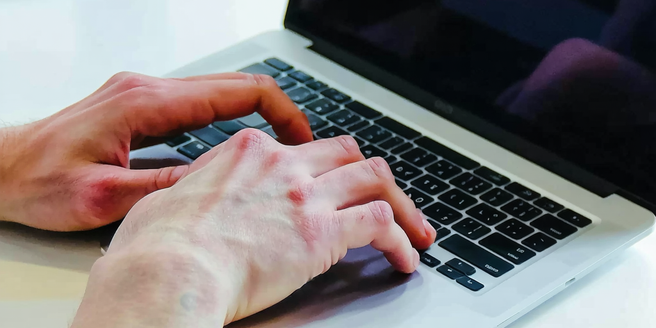
Ergonomic positioning plays a critical role in preventing repetitive strain injuries and enhancing overall well-being, especially in the context of increasing remote work. Using a laptop stand facilitates proper posture, reducing risks of conditions like carpal tunnel syndrome and neck and back pain. Key features to look for in a laptop stand include adjustable height and angle for ergonomic comfort, portability for ease of movement, and durable materials for longevity. Non-slip surfaces and cable management systems further improve functionality. Popular brands such as Rain Design, Twelve South, Lamicall, Roost, and Nexstand offer various designs catering to different needs. When choosing between DIY and store-bought stands, consider budget and ergonomic features. Proper setup of a laptop stand, with attention to screen height and arm positioning, can significantly enhance comfort and productivity.